
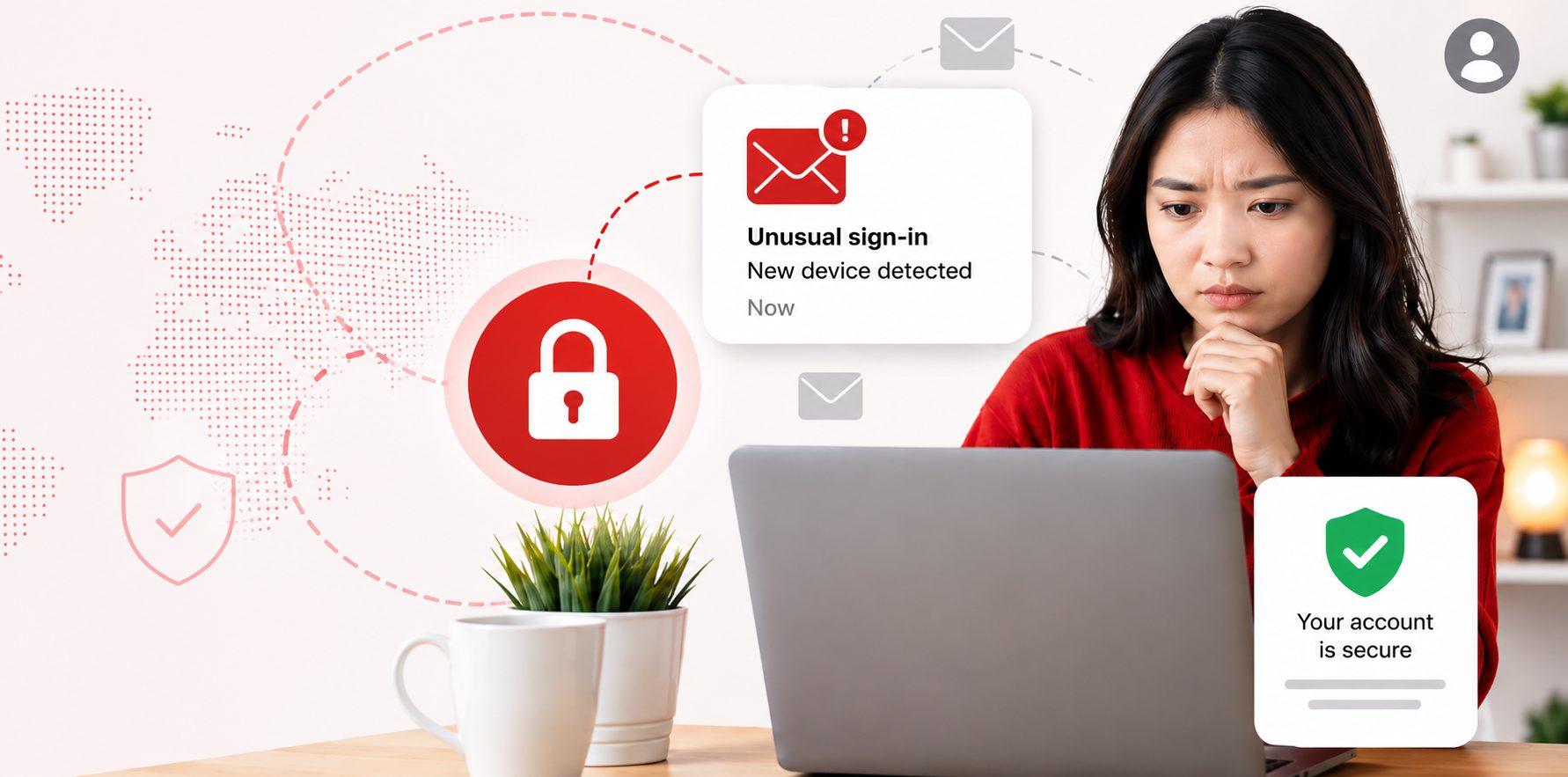
It’s one of those moments that stops you in your tracks. You start noticing strange activity, spam sent from your account, password reset emails you didn’t request, or friends asking why you sent them a suspicious link. If a scammer has access to your email, it’s not just your inbox at risk, it’s your entire digital identity.
The good news? Acting quickly can make a huge difference. Follow these steps below to lock your account down.
1. Change Your Password Immediately
If you can still access your account, this is your first and most important step.
- Create a strong, unique password (use a mix of words or a passphrase)
- Avoid reusing passwords from other accounts
- If you’re locked out, use your provider’s account recovery process
Tip: If you’ve reused this password elsewhere, update those accounts too.
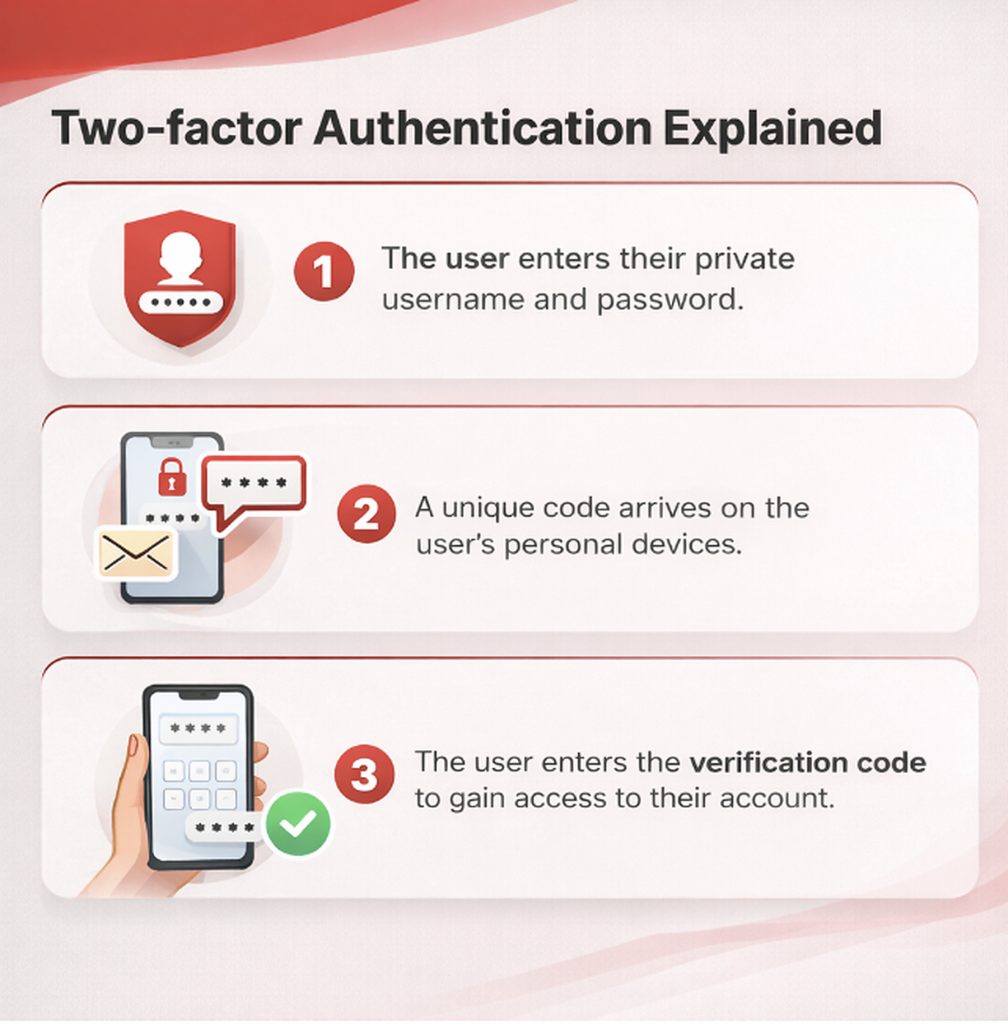
2. Turn On Two-Factor Authentication (2FA)
Adding 2FA is one of the most effective ways to stop further access.
- Requires a code sent to your phone or app
- Even if scammers have your password, they can’t log in without it
This simple step can instantly block attackers from getting back in.
3. Check Your Security & Recovery Settings
Scammers often make hidden changes so they can maintain access.
Review:
- Recovery email and phone number
- Login activity
- Check Email forwarding rules
- A forwarding rule is an automatic email setting in services like Gmail or Outlook that sends incoming messages to another address based on set conditions, or sometimes all messages. If a hacker creates one in your account, they can secretly monitor sensitive emails like password resets without needing to stay logged in.
4. Scan Your Devices for Malware
If your email was compromised, your device could be too.
- Run a Full Scan
- Use trusted security software like Trend Micro’s Security Suite Pro Plus to scan all connected devices for viruses, or malware.
- Update Software
- Ensure your operating system and antivirus software are up-to-date to patch vulnerabilities.
Malware can steal passwords even after you reset them, so don’t skip this step.
5. Warn Your Contacts
If scammers used your account, your contacts may be at risk.
- Let them know not to click any suspicious links
- Advise them to ignore unexpected messages from you
- Report spam emails to your provider
This helps stop the scam from spreading further.
6. Secure Linked Accounts
Your email is the gateway to everything else.
Scammers may try to reset passwords for:
- Banking
- Social media
- Shopping accounts
Change passwords for any important or linked accounts, especially financial ones. As mentioned, it is important to not reuse passwords from other accounts.
7. Monitor for Ongoing Suspicious Activity
Even after securing your account, stay alert.
Watch for:
- Unusual login alerts
- Password reset attempts
- New devices accessing your accounts
If something doesn’t feel right, act quickly again.
Stay Protected Moving Forward
Having your email compromised can feel overwhelming, but taking the right steps quickly can limit the damage. Locking down your account, removing unauthorised access, and securing your other accounts will help you regain control.
Already a Trend Micro Customer?
Visit your TrendLife Account to make sure you have downloaded all the included apps in your subscription!
0 Comments
Other Topics


