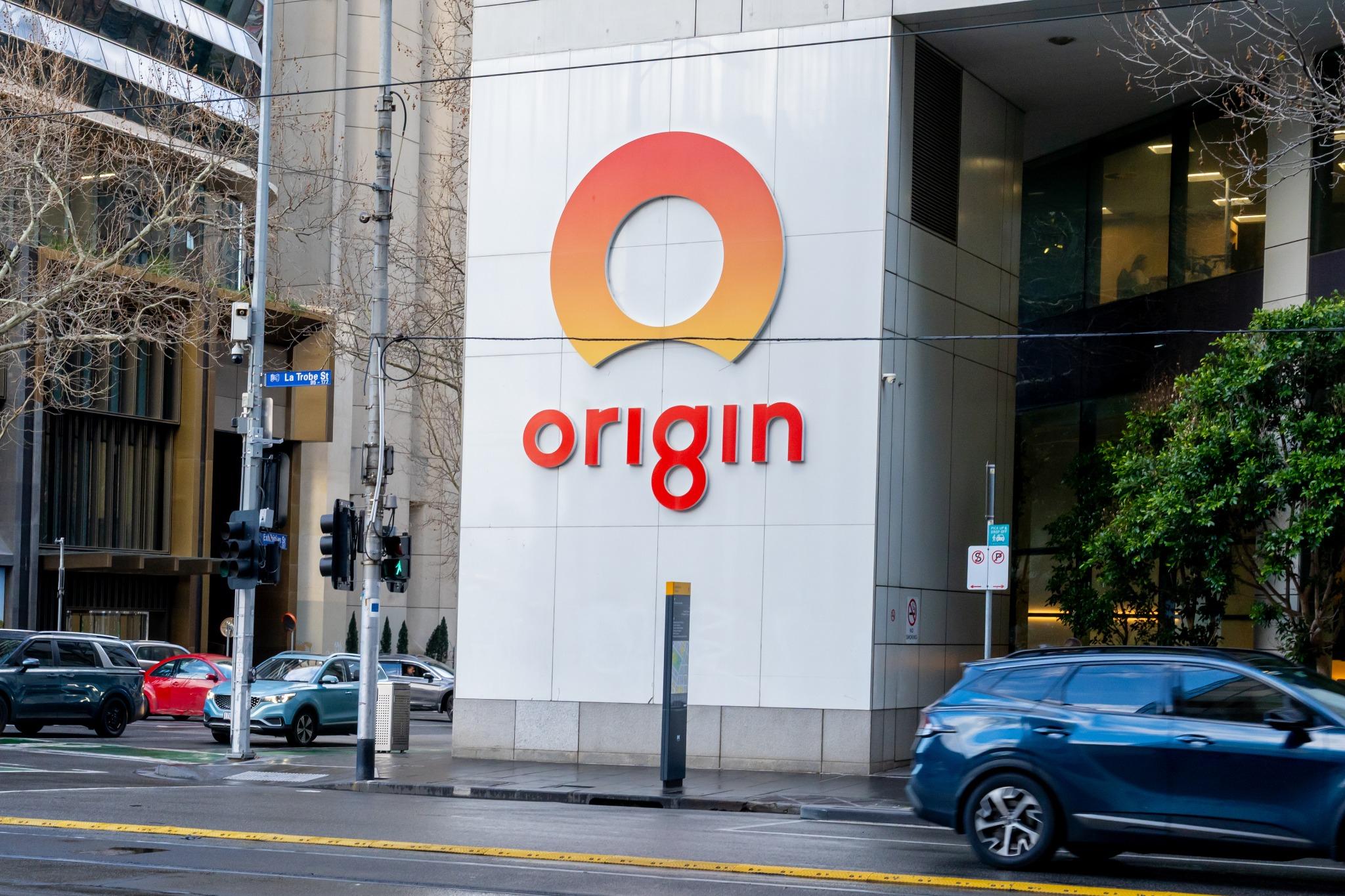
Origin Energy has confirmed that personal information belonging to approximately 900,000 current and former customers was accessed in a recent cyberattack.
The incident may leave affected customers more vulnerable to convincing emails, text messages and phone calls from criminals pretending to be Origin, a bank or another trusted organisation.
Here’s what is currently known about the breach, what customers should watch for and the steps you can take to protect yourself.
What happened in the Origin Energy data breach?
Origin Energy has advised that customer information was accessed during a cyberattack in July 2026.
The affected information may include:
- Names
- Home addresses
- Dates of birth
- Phone numbers
- Origin account information
- The last four digits of some credit cards
- The last three digits of some bank accounts
Origin has said the partial payment information cannot be used on its own to make purchases or access bank accounts. The company is contacting customers whose information has been confirmed as affected and has advised that its investigation is continuing.
Why customers should remain alert
Information accessed during a data breach can sometimes be used to make fraudulent messages and calls appear more credible.
Someone contacting you may already know your name, address, phone number or that you are an Origin customer. They may use these details to gain your trust before asking you to click a link, provide more information or make a payment.
Personal information alone does not prove that a caller or sender is legitimate. Customers should be particularly careful with unexpected communications referring to the breach, their Origin account, energy bills or payment details.
What an Origin impersonation message could look like
A suspicious email, text message or phone call may ask you to:
- Confirm whether your information was affected
- Reset or secure your Origin account
- Update your billing or payment details
- Pay an overdue bill to avoid disconnection
- Claim compensation or a refund
- Register for identity or credit-monitoring support
- Provide a password, PIN or verification code
- Install software or provide remote access to your device
The message may appear to come from Origin, your bank, a government agency or an identity-support service. It may also contain accurate personal details, professional branding or a sense of urgency designed to make you act quickly.
Warning signs to watch for
Be cautious if a message or caller:
- Pressures you to take immediate action
- Threatens to disconnect your energy service
- Asks you to click a link to secure your account
- Requests passwords, PINs or one-time verification codes
- Asks you to transfer money to another account
- Tells you to install software
- Offers an unexpected refund or compensation payment
- Uses a web address or email address that looks slightly unusual
Scammers can also manipulate caller ID or sender names, so a message appearing under “Origin” is not always proof that it is genuine.
How to protect yourself
- Secure your accounts
- Consider changing your Origin account password, particularly if you have used it for another service.
- Use a different, strong password for each important account and enable multi-factor authentication wherever it is available.
- Monitor your accounts
- Check your bank and credit card statements for unfamiliar activity.
- You should also watch for unexpected password-reset emails, login alerts or verification codes, as these may indicate that someone is attempting to access one of your accounts.
- Follow official updates
- Read any communication from Origin carefully, but confirm it through an official channel before taking action.
- Origin has said it is contacting affected customers directly and providing relevant advice and support.
- Stay cautious over time
- Information obtained through a data breach may be used weeks, months or even years later.
- Continue to treat unexpected emails, text messages and phone calls with caution, especially when they refer to Origin or include personal information.
- Check suspicious messages
- Trend Micro ScamCheck can help you assess suspicious messages and websites, identify potentially unsafe links and filter scam text messages.
Already a Trend Micro customer?
Visit your Trend Micro Account to check whether Trend Micro ScamCheck is included in your subscription.
0 Comments
Other Topics